
Move4Live
Session Starter for Ableton Live
Making music instead of making decisions

Move4Live is donationware: free to download, support is voluntary. Licensed under CC BY-NC-SA 4.0
The Idea
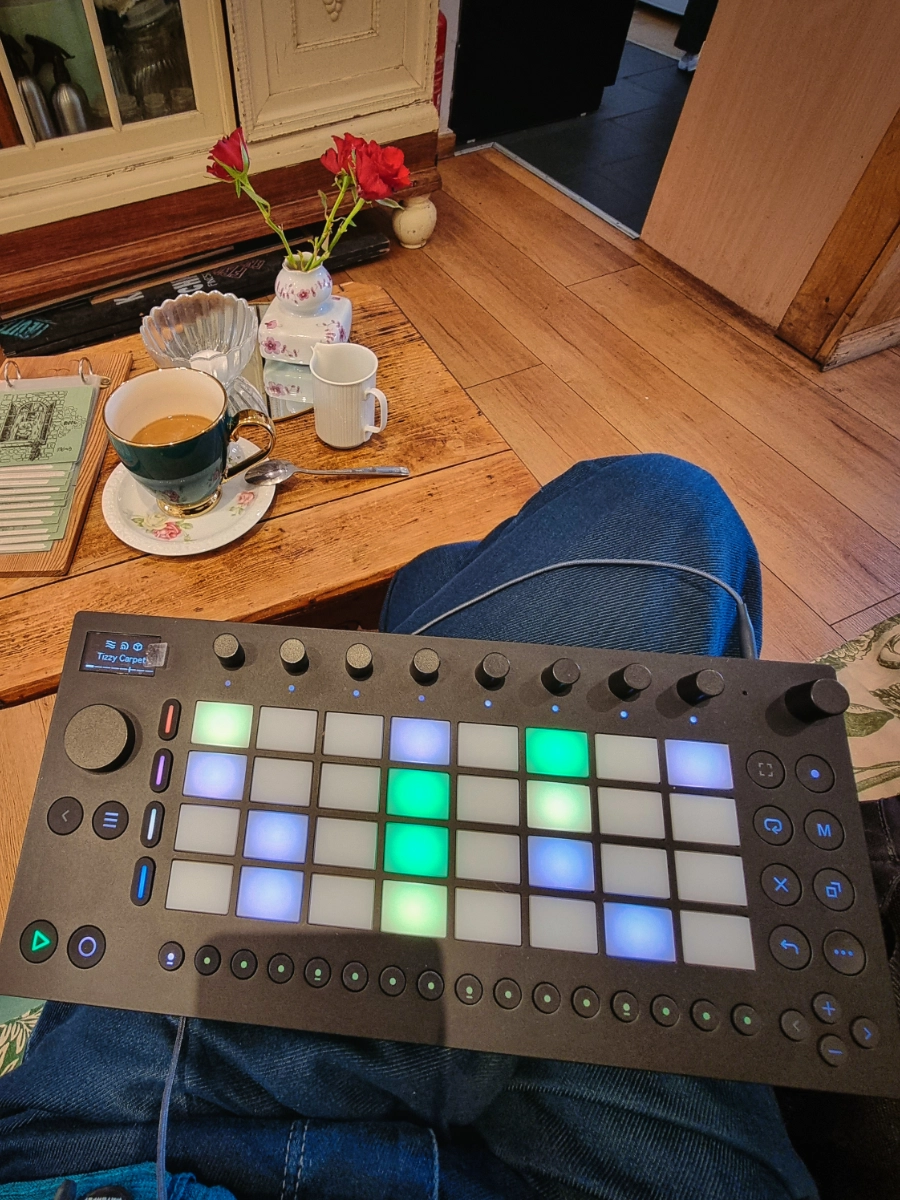
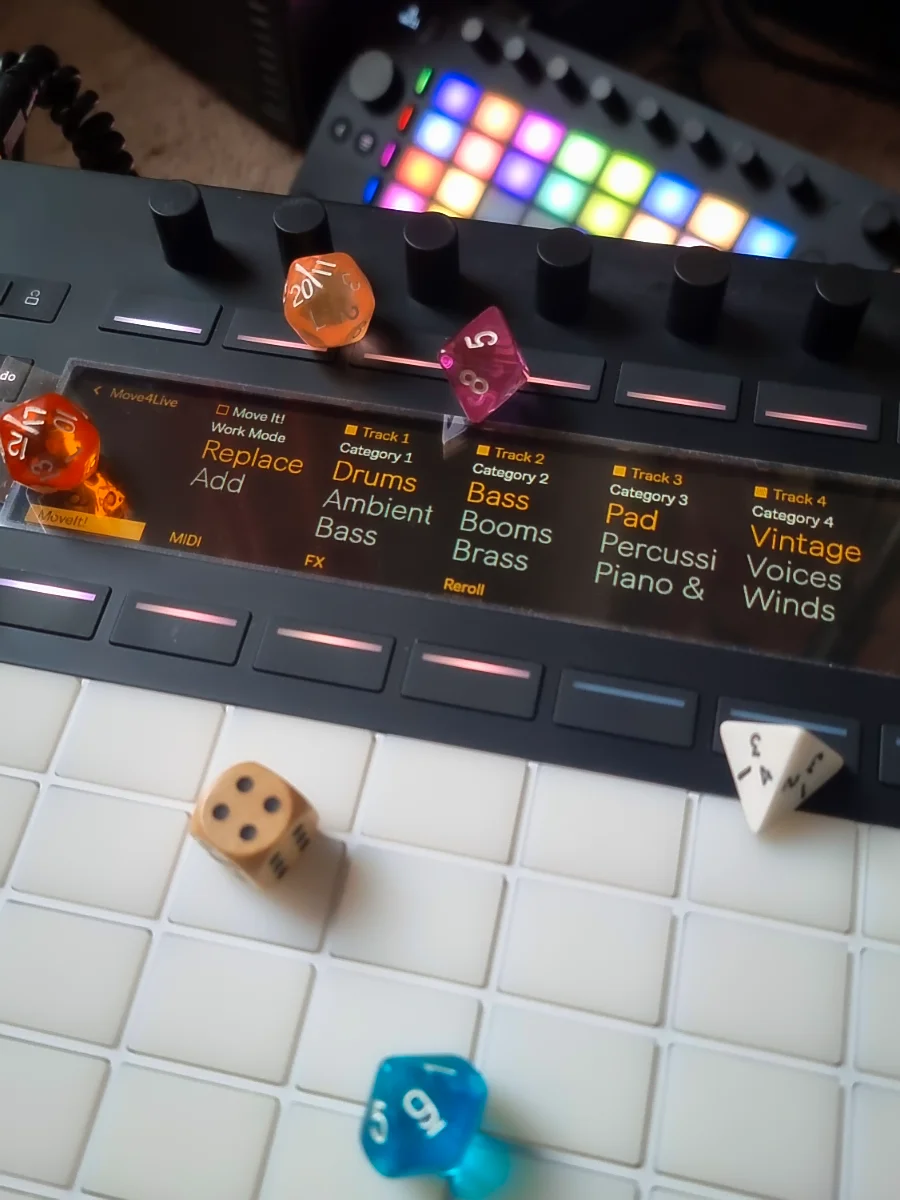
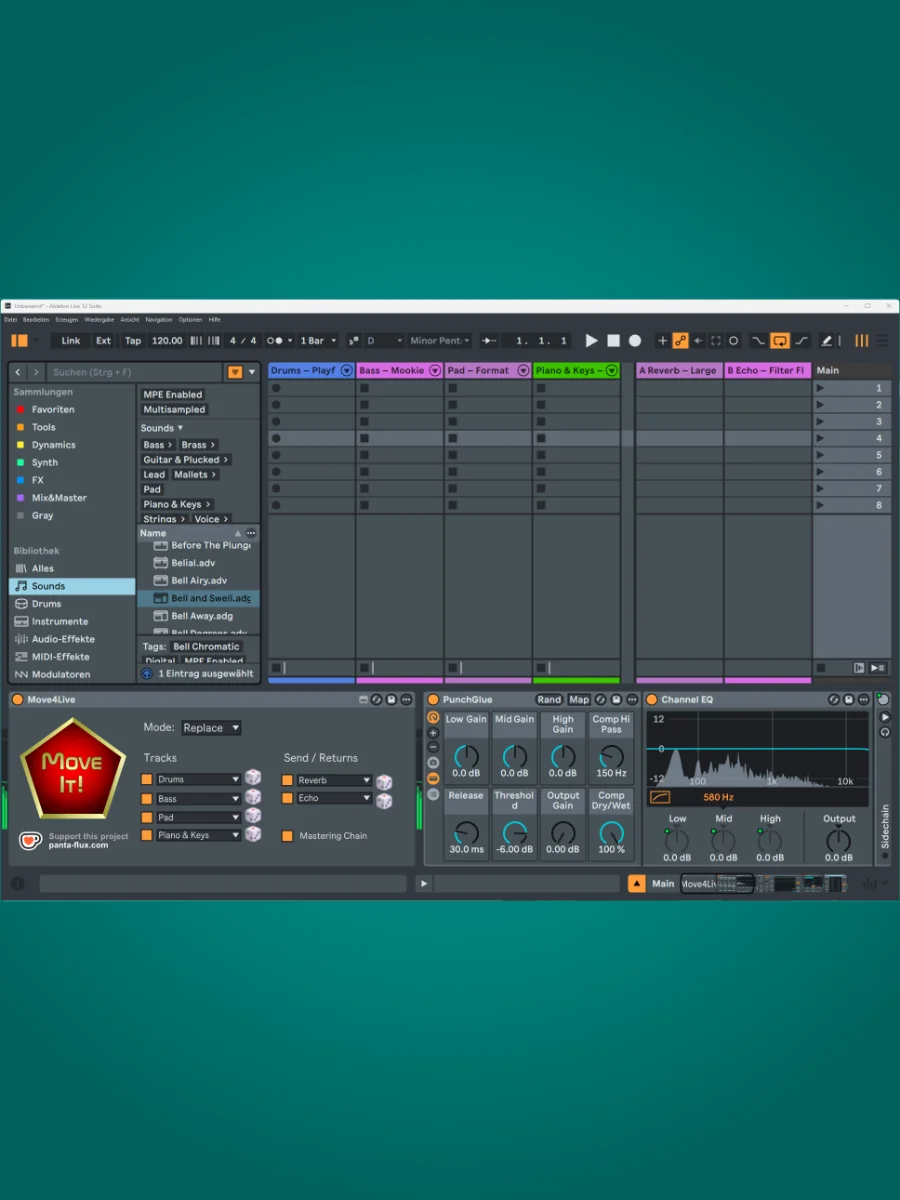
The Ableton Move gets one thing exactly right: the moment you start a new set, you can just play and let the sounds inspire you. No tedious setup, no flow-breaking “where do I even begin?” – it hands you four randomly chosen instruments and you’re making music immediately. I wanted to bring that idea to Ableton Live on the desktop and the Ableton Push 3 Standalone.
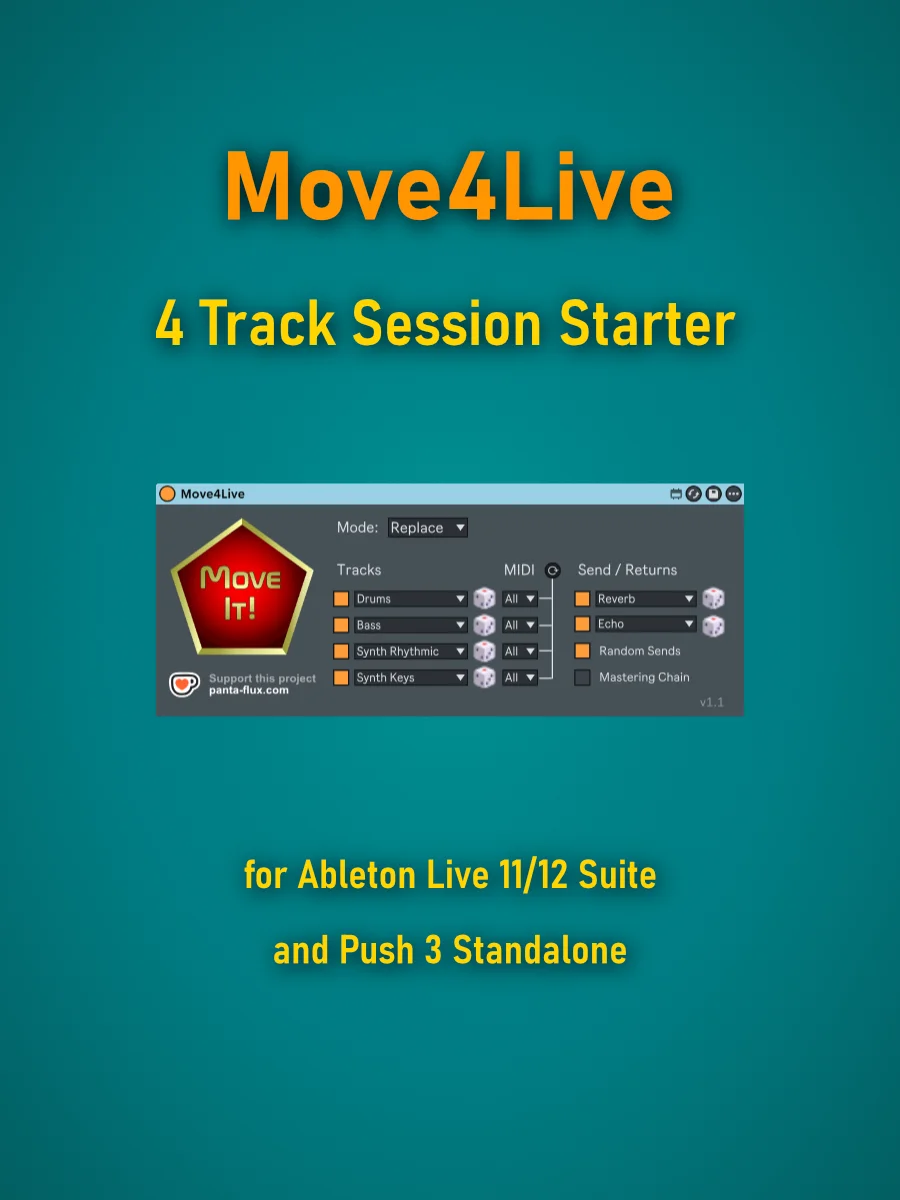
Move4Live is a Max for Live device that builds four ready-to-play tracks at the press of a button – Drums, Bass, Pad, Synth Keys, for example – with randomly selected presets from your installed Ableton library. Add optional return tracks and a mastering chain inspired directly by the Ableton Move.
Since v1.1, you can also configure automatically assignable MIDI input channels, so you can jump right into jamming with your hardware sequencers or friends using multiple MIDI controllers.
It started as a personal tool, built in the gaps of everyday life … and released because it might be useful for other musicians and bedroom producers too. Nothing more, nothing less.
What Move4Live Does
Main Features
- Up to four instrument tracks with freely chosen categories – ready to play immediately
- Random presets drawn from your installed Ableton library
- Re-roll individual instruments with the dice button per track
- “Replace” mode (overwrite existing tracks) and “Add” mode (add new tracks)
- Configurable MIDI input channel per instrument track – useful for external sequencers or jamming with friends
- Automatic Ableton Drum Buss on all Drums tracks
Return Tracks & Mastering Chain
- Two return tracks with random effect presets drawn from a curated selection
- Re-roll individual effects with the dice button per return track
- Random Sends: random send levels for newly created tracks
- Optional mastering chain on the Main track: Punch Glue → Compressor → Analog Clip → Limiter – just like the Ableton Move
Convenience & Compatibility
- Settings are saved between sessions
- Runs entirely inside Ableton Live – no external app required
- Fully compatible with the Ableton Push 3 Standalone
Requirements
- Ableton Live 11 or 12 Suite (with Max for Live)
or Ableton Push 3 Standalone (Push 2.4 or later) - Windows 10+ (older versions not tested)
- macOS (manual installation should work, but untested due to lack of a compuer running macOS)
Frequently Asked Questions (FAQ)
Yes, Move4Live has been fully tested in Ableton Live 11 Suite and is compatible.Does Move4Live work with Ableton Live 11 Suite?
Manual installation should theoretically work, but I haven’t tested it myself. Official macOS support is planned – it just hasn’t happened yet due to the lack of an Apple machine.I don’t have Windows. Does it run on macOS?
Yes – fully tested and supported. All features are available.Does Move4Live support the Push 3 Standalone?
They are deleted without confirmation and replaced by the new tracks. Move4Live assumes you know what you're doing and why you dropped the device onto your Main track.What happens to my existing tracks in Replace mode?
Not yet. Move4Live currently draws exclusively from the installed Ableton library, which varies in size depending on your edition. Custom preset pools and VST/AU plugins are already on the list for a future version.Can I use custom preset categories or third-party plugins?
A voluntary donation via Ko-fi is always welcome – a coffee, a patch cable, whatever feels right. Every contribution helps me build more tools like this one. Thank you!I’d like to support the project. How?
Manual
Go to the manual →Release Notes
- Fixed: “Move It!” and Reroll buttons behaved as toggles rather than momentary buttons on Push 3 (LED stayed on after pressing). Now everything works as intended!
- New: Configurable MIDI input channel per instrument track
- New: Random Sends – random send levels for newly created tracks (non-destructive)
- New: Automatic Drum Buss on all Drums tracks
- New: Full support for Ableton Push 3 Standalone
- Fixed: Reroll accidentally loaded two presets in a row instead of one
- Code cleanup
- Initial release
- Four instrument tracks with random preset selection
- Two return tracks with curated effect presets
- Optional mastering chain
- Replace and Add modes
- Individual re-roll per instrument and return track
- Compatible with Ableton Live 11 and 12 Suite